Mobile-App
Free OR Paid School Management Software: What Schools Give Up
Free school management software isn’t free once hosting, IT time, and missing modules are counted — here’s exactly what schools give up, and when paying for a complete platform mak

Written from production. Our articles draw on products we run live and the client work behind them, and are revised as the systems they describe evolve.
Budget season hits every school administrator the same way — a growing list of things to buy, a fixed amount of money, and software sitting near the bottom of the priority list. A free school management tool looks like an easy way to check that box.
The appeal is real. Why pay for something an open-source, self-hosted tool claims to do for nothing? But “free” only describes the licence fee — it doesn’t describe the total cost of running the thing.
The real comparison isn’t free versus paid. It’s what a school needs today, what it will need in two years, and who is responsible for closing that gap when the free tool runs out of road — and that’s worth working through before budget season locks in a decision.
What Free School Management Tools Typically Offer
Free and open-source school platforms aren’t empty shells. For the right school, they cover real ground.
Basic attendance and gradebook tools. Most free platforms handle daily attendance marking and simple grade entry reliably enough for a small school office.
Open-source, self-hosted code. The software itself is usually free to download and install on a school’s own server or a low-cost hosting plan.
No licensing cost. There’s no invoice for the software — the entire appeal for a budget-constrained school.
Community support forums. Questions get answered by other users and volunteer contributors, not a support team on a service-level agreement.
Limited or no mobile app. Parent and teacher access is often web-only, or handled through a basic app with a fraction of the desktop features.
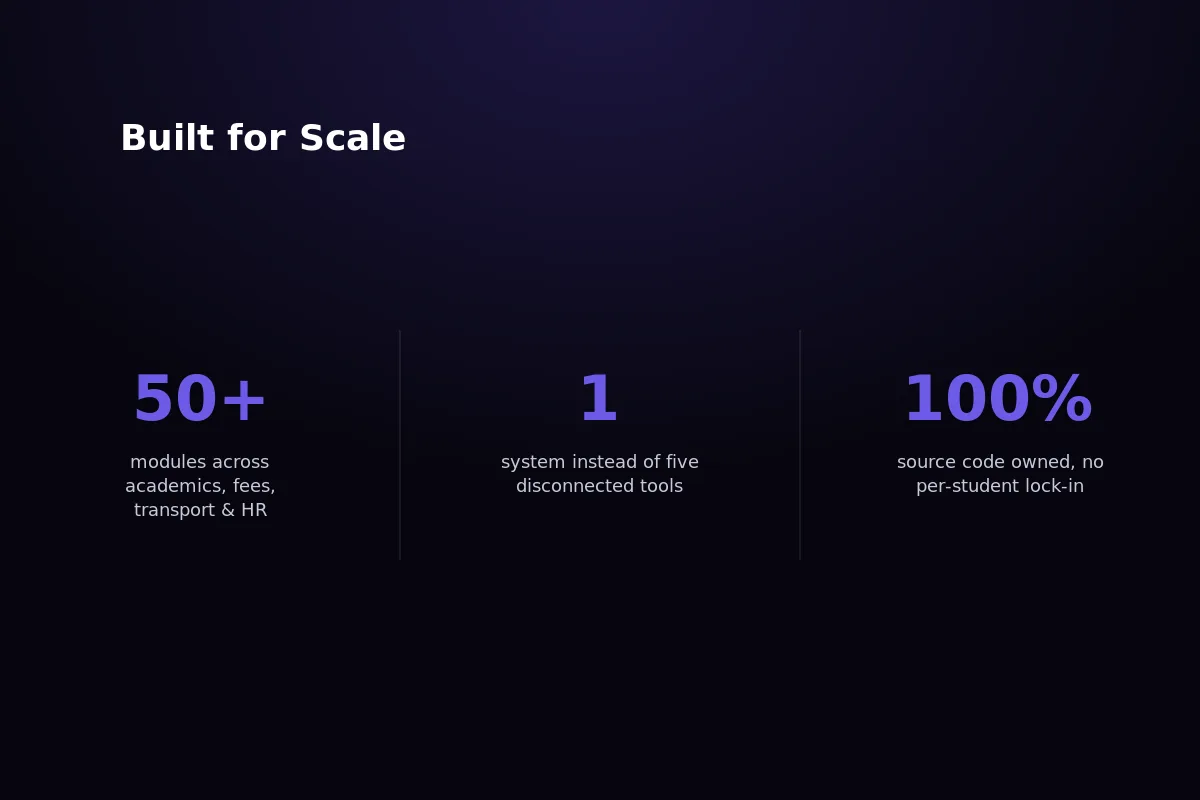 Free tools cover the basics well — the gap widens as a school’s needs grow past attendance and gradebooks.
What Schools Commonly Give Up With Free Tools
None of this makes free tools bad. It makes them a trade-off a school should walk into with open eyes.
No dedicated support. When something breaks during exam week, the school is searching forum threads instead of calling a support line.
Security patches depend on community activity. If maintainers move on to other projects, known vulnerabilities can sit unpatched for months.
No guaranteed uptime or hosting. The school’s own server, or a budget hosting plan, decides whether the portal stays up during admissions season.
Missing modules need custom development. Transport GPS tracking, payroll, and fee-defaulter automation are rarely included and usually mean hiring a developer.
Self-hosting requires in-house IT capability. Someone has to install updates, manage backups, and troubleshoot the server — a role many schools simply don’t staff.
The Real Cost of “Free”
Free software still needs someone to set it up, host it, and keep it running. That work has a cost — it just moves off the software invoice and onto staff time.
Add it up over a school year, and the “free” option often isn’t the cheapest one.
Developer or IT time. Installing, configuring, and customising an open-source platform typically takes days of paid technical work before staff can even use it.
Hosting and security costs. Server space, SSL certificates, and backup storage become the school’s direct, recurring expense.
Staff hours lost to workarounds. Every missing feature — a transport module, an automated fee reminder — turns into a spreadsheet someone maintains by hand.
Risk of an abandoned project. If the open-source maintainers stop updating the software, the school is left running unsupported code with no upgrade path.
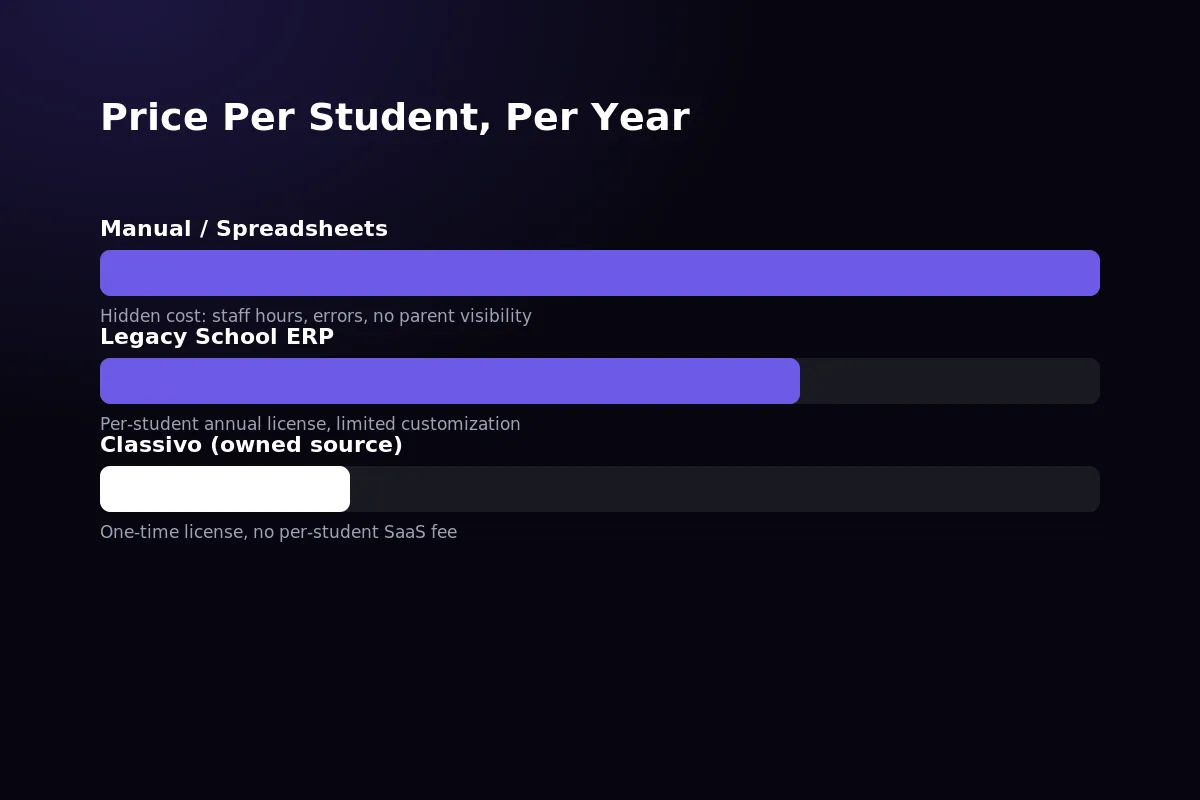 Hosting, IT time, and custom development for missing modules are real costs — they just don’t show up on a software invoice.
When Free Actually Makes Sense
Free software is a genuinely reasonable choice for some schools. This isn’t an argument against it in every situation.
Very small schools with in-house technical capacity. A school with someone comfortable managing a server, and needs limited to attendance and basic records, can run a free tool for years without hitting its limits.
Schools testing whether digitisation is worth it. Piloting with a free tool before committing budget is a sound way to build the internal case for a complete platform later.
Outside those two cases, the gaps tend to show up fast — usually around the first fee-collection cycle or the first parent complaint about a missed bus.
What a Paid, Complete Platform Adds
Once a school outgrows the basics, the value of a paid platform shows up in what stops being a problem.
Dedicated support. A support line and an account team, not a forum thread, when something needs fixing before the school day starts.
Guaranteed updates. Security patches and new features ship on a schedule, without depending on volunteer contributors staying interested.
Full module coverage out of the box. Transport GPS, payroll, and fee-defaulter automation are already built — not a custom project the school has to commission.
A real mobile app. Parents and teachers get full functionality on their phones, not a stripped-down companion to the web portal.
No in-house IT dependency. The school doesn’t need a server administrator on payroll to keep the platform running.
 A complete platform bundles the modules a school would otherwise have to commission one by one.
Where Classivo Fits
This is where a one-time-license platform changes the calculation. Free tools have real gaps. Typical paid SaaS platforms close those gaps but add a per-student fee that grows every year. Classivo is built to sit outside both models.
Classivo is PRS India’s school management platform — built on Laravel 12 and Filament v4, with one Flutter app covering parents, teachers, and admins on a single login.
The details are specific, not generic. Attendance is GPS-verified, so it can’t be marked from off-campus. The fee module flags defaulters automatically instead of relying on manual follow-up calls. The transport module tracks buses live, not on a fixed timetable.
One-time license, not a SaaS trap. The school buys the source code once — there’s no per-student fee that grows as the roll grows.
50+ modules included as standard. Academics, GPS-verified attendance, fee collection with defaulter tracking, live bus GPS, parent communication, HR and payroll, admissions, and library are all in the base platform.
No gaps to custom-build. Everything a free tool would need a developer to add — transport tracking, payroll, automated fee reminders — already ships standard.
Config-driven for growth. The same platform runs a single school or a multi-school group in SaaS mode, without switching software later.
 Classivo’s admin dashboard, live at classivoerp.com/demo — the modules described above are running today, not on a roadmap.
Parents and teachers get the same coverage on their phones, not a trimmed-down companion app.
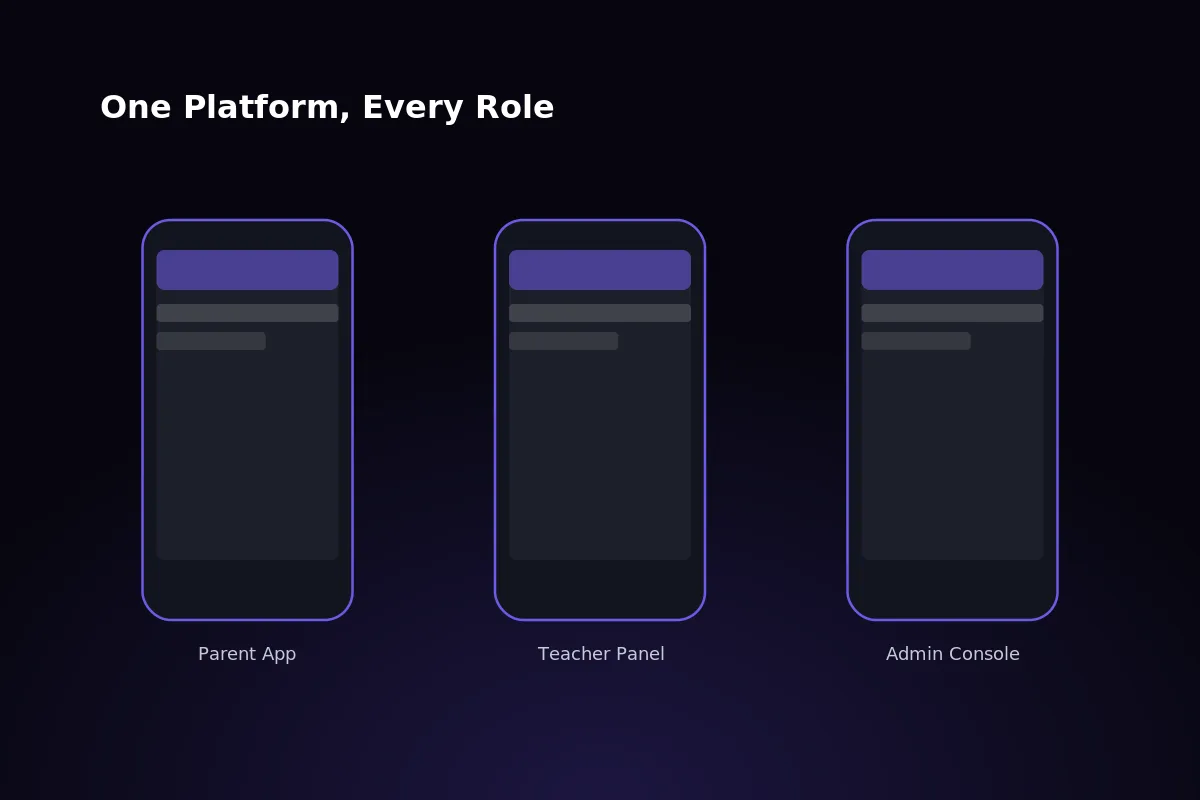 The Flutter app covers parent, teacher, and admin roles in one build — no separate light-weight version.
For a full breakdown of what schools actually pay per student across pricing models, see our guide on school ERP software pricing in India. To compare Classivo against other paid platforms, not just free tools, see our comparison of the top 10 school management software options in 2026.
Want to see the module list against your school’s current setup? Get in touch with our team — most schools are surprised how much of the “custom development” list is already built in.
Frequently Asked Questions
Is free school management software safe to use?
It can be, provided the school or its IT support keeps it updated. Security depends entirely on how actively the specific open-source project is maintained.
A well-maintained project with an active community is reasonably safe. An abandoned one, still running on a school’s server, is a real risk — nobody is patching it.
Can a school switch from free to paid later without losing data?
Yes, in most cases. Student records, attendance history, and fee data can be exported and migrated, though the format and effort involved vary by platform.
Planning the switch before the free tool becomes a bottleneck — not after — makes the migration considerably smoother.
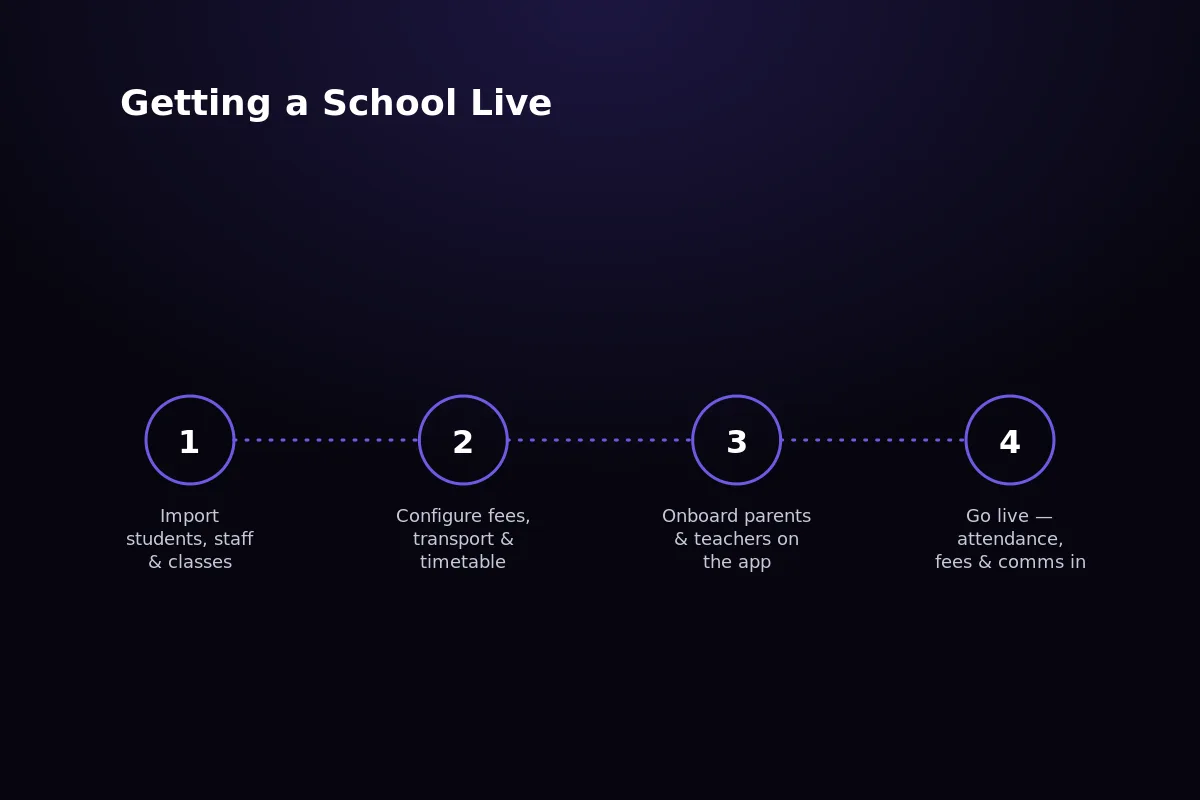 Exporting attendance, fee, and student records before the switch keeps migration to a paid platform straightforward.
Does Classivo cost more than free tools long-term?
Not usually, once hosting, IT time, and custom development for missing modules are counted against the free tool. Classivo is a one-time license with no recurring per-student fee.
Compared with paid SaaS competitors that charge annually per student, Classivo’s total cost over several years is typically lower, not higher.
What’s the minimum school size where paid software makes sense?
There’s no fixed number, but schools with a few hundred students and multiple departments — transport, fees, HR — usually outgrow a free tool’s scope quickly.
At that point, the staff time spent on workarounds tends to cost more than a complete platform would.
Written by
Aditi
Building software at PRS India.